
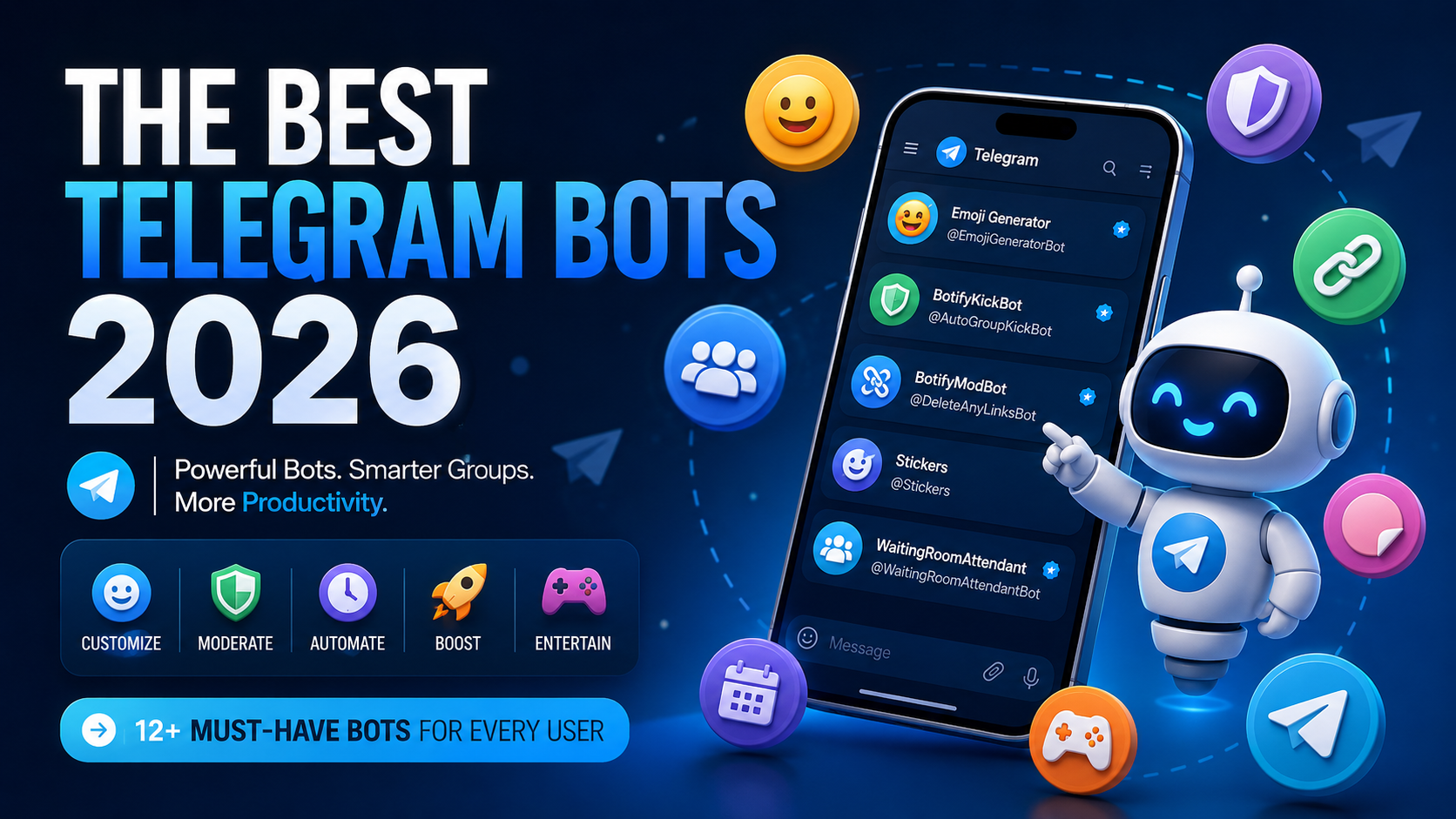
Telegram has evolved far beyond a simple messaging app. In 2026, bots can moderate communities, generate custom emoji, create reminders, monitor content, handle files, and automate repetitive tasks without forcing you to leave Telegram.
With thousands of bots available, finding the genuinely useful ones can be difficult. This list focuses on bots that solve an actual problem rather than adding another novelty to your chat list.
Here are some of the best Telegram bots to try in 2026.
1. GIF
Bot: @gif
Category: Media and Inline Search
Some of Telegram's most useful bots do not even require opening a separate conversation.
Type @gif followed by what you are searching for directly inside a conversation. Telegram returns GIF results that you can immediately send into the chat. Telegram lists @gif as an official inline bot example, and its current in-app GIF search spans hundreds of millions of GIFs.
Why it is useful
- Works directly inside conversations
- Finds GIFs without leaving the current chat
- Makes visual replies fast
- Demonstrates Telegram's inline bot system
Best for: Anyone who communicates primarily through GIFs.
If you regularly reuse the same reactions, save your favorites into a searchable local library. GIF Directory makes those GIFs faster to find and paste.
2. Emoji Generator
Bot: @EmojiGeneratorBot
Category: Custom Emoji and Creative Tools
Telegram's custom emoji ecosystem has become increasingly sophisticated, and Emoji Generator makes creating your own considerably easier.
Instead of manually preparing every asset, Emoji Generator provides tools for creating and managing custom emoji through Telegram. It is particularly useful for communities, creators, and brands that want their own visual identity.
Why it is useful
- Creates custom Telegram emoji
- Focuses on Telegram's emoji ecosystem
- Supports communities and branded emoji collections
- Reduces manual asset preparation
Best for: Community owners, designers, and anyone who regularly uses Telegram custom emoji.
3. Skeddy
Bot: @SkeddyBot
Category: Productivity and Reminders
Skeddy turns Telegram into a capable reminder system. Send it a natural instruction such as "Remind me to check the server tomorrow at 10" and it delivers the reminder through Telegram at the requested time.
It also supports recurring reminders, making it useful for tasks that might otherwise become scattered between calendar and productivity apps.
Why it is useful
- Accepts natural-language reminders
- Supports recurring reminders
- Makes rescheduling quick
- Works across devices through Telegram
Best for: Anyone who already spends much of the day inside Telegram.
4. BotifyModBot
Bot: @DeleteAnyLinksBot
Category: Group Moderation
Managing a busy Telegram group becomes difficult when spam, unwanted links, and repetitive content start appearing.
BotifyModBot automates that workload. Instead of requiring moderators to watch a group constantly, the bot can identify and remove unwanted content according to the community's moderation rules.
Why it is useful
- Automates group moderation
- Manages links and unwanted content
- Reduces repetitive moderator work
- Helps keep active groups cleaner
Best for: Telegram community owners and moderation teams.
5. BotFather
Bot: @BotFather
Category: Bot Development
No serious Telegram bot list would be complete without BotFather. It is Telegram's official tool for creating and managing bots.
Developers use BotFather to register bots, generate API tokens, and configure commands, descriptions, inline mode, and other bot settings.
Why it is useful
- Creates Telegram bots
- Generates and manages bot tokens
- Configures commands and bot profiles
- Manages bot features and permissions
- Is officially maintained by Telegram
Best for: Developers and anyone building Telegram automation.
6. BotifyKickBot
Bot: @AutoGroupKickBot
Category: Group Management
Not every community needs a large moderation suite. Sometimes a bot dedicated to one part of group management is enough.
BotifyKickBot focuses on automating user removal and group access management, making it useful alongside a broader moderation bot.
Why it is useful
- Automates group member removal
- Reduces repetitive administration
- Works alongside other moderation bots
- Focuses specifically on Telegram groups
Best for: Larger groups with automated moderation workflows.
7. DropMail.me
Bot: @DropMailBot
Category: Privacy and Email
Sometimes you need an email address for a registration but do not want to provide your primary address.
DropMail provides disposable email addresses through Telegram. Messages sent to the generated address can then be accessed without setting up another permanent email account.
Why it is useful
- Generates temporary email addresses
- Provides access to messages through Telegram
- Keeps unnecessary mailing lists away from your primary inbox
- Requires little setup
Best for: Temporary registrations and reducing spam in your primary inbox.
8. WaitingRoomAttendant
Bot: @WaitingRoomAttendantBot
Category: Meeting Management and Automation
WaitingRoomAttendant is one of the more specialized bots on this list. It manages waiting-room workflows and reduces manual coordination when people enter meetings.
For communities that organize meetings frequently, this focused automation can remove a repetitive administrative task.
Why it is useful
- Provides meeting-focused automation
- Helps manage waiting-room workflows
- Reduces manual coordination
- Suits communities that run frequent meetings
Best for: Meeting hosts, community administrators, and groups organizing regular online sessions.
9. The Feed Reader Bot
Bot: @TheFeedReaderBot
Category: RSS and Content Monitoring
RSS remains one of the best ways to monitor websites without relying on algorithms, and The Feed Reader Bot brings that workflow into Telegram.
Follow feeds and receive new posts as Telegram messages instead of checking each website manually. This is especially useful for developers monitoring project blogs, release feeds, or industry news.
Why it is useful
- Monitors RSS feeds
- Delivers updates in Telegram
- Centralizes multiple information sources
- Supports automated monitoring
Best for: Developers, researchers, and anyone following multiple websites.
10. Stickers
Bot: @Stickers
Category: Stickers and Customization
@Stickers has played an important role in Telegram's sticker ecosystem. It was Telegram's official interface for creating and managing sticker packs and helped make custom sticker collections one of the platform's defining features.
The workflow has changed: Telegram's documentation says the older bot editing flow is deprecated in favor of its built-in editor and @Stickers Mini App. The bot remains an important part of Telegram's customization history, but new creators should use the current tools.
Best for: Telegram users learning how the platform's sticker and custom emoji tools evolved.
11. Wikipedia
Bot: @wiki
Category: Search and Information
Wikipedia is another classic Telegram inline bot. Instead of opening a browser, searching, copying a link, and returning to Telegram, type @wiki followed by your query in the message field and choose a result.
Why it is useful
- Searches Wikipedia inline
- Works from conversations
- Makes references easy to share
- Avoids switching apps
Best for: Quick references and sharing information during conversations.
12. Gamee
Bot: @gamee
Category: Games and Entertainment
Not every bot needs to solve a productivity problem. Gamee brings games into Telegram and shows another side of the platform's bot ecosystem.
Games can become part of conversations and groups instead of requiring everyone to install a separate app. It is particularly entertaining in active group chats where leaderboards and competition become part of the conversation.
Why it is useful
- Brings games directly into Telegram
- Supports social play
- Works well in groups
- Requires little setup
Best for: Groups looking for something more entertaining than another moderation command.
Which Telegram bot is the best?
There is no single best Telegram bot because the strongest bots solve different problems.
For fast visual replies, start with @gif. For customization, Emoji Generator offers a specialized approach to custom emoji. BotifyModBot and BotifyKickBot handle community management, while Skeddy and The Feed Reader Bot turn Telegram into a lightweight productivity hub. BotFather remains essential for developers.
Final thoughts
The interesting thing about Telegram bots in 2026 is not simply how many exist. It is how deeply they integrate with Telegram itself.
The best bots use inline interactions, Mini Apps, custom emoji, stickers, automation, payments, and rich media while remaining simple enough that users do not need to think about the technology behind them.
Start with @gif for everyday conversations, add Emoji Generator when you want custom visuals, then choose the focused utilities that match how you use Telegram.

