
How to Build a Shared Team GIF Library
Create a lightweight shared GIF library your team can search quickly without duplicating files or losing quality.
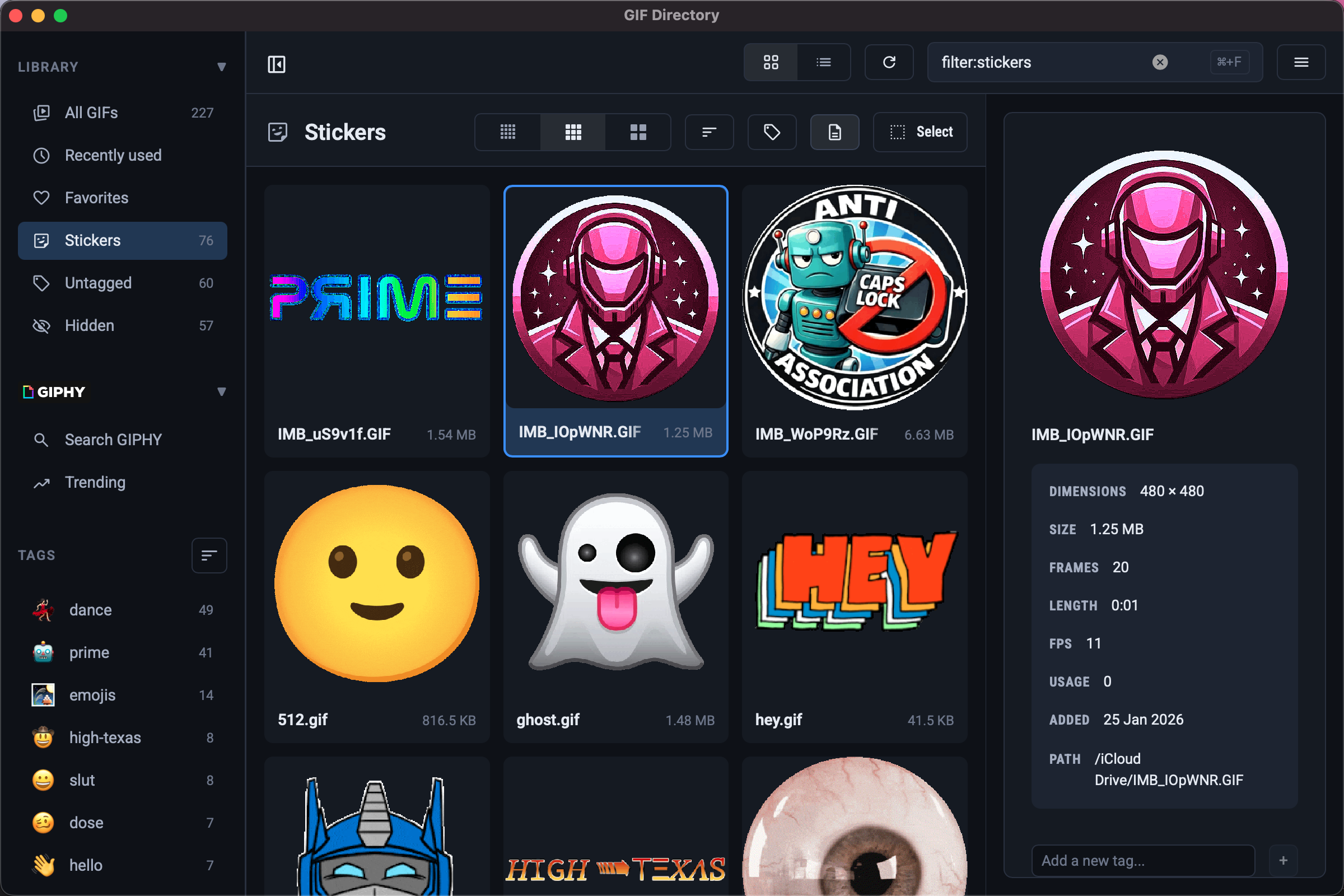
A shared GIF library works best when everyone can predict where files live and how they are named. The goal is not a huge archive. It is a reliable set your team can search in seconds.
Start with a small core collection
Launch with 30 to 50 GIFs across a few clear categories:
- approval
- celebration
- waiting
- confusion
- follow-up
This gives the team enough range without creating duplicate folders on day one.
Standardize names before volume grows
Agree on one naming pattern early, such as emotion-action-context.gif. That keeps search predictable across roles and projects.
For a full template, use these GIF naming conventions.
Make contribution rules simple
Let people add GIFs only when the new file fills a clear gap. If two files express the same reaction, keep the one that reads faster in chat.
Teams that use GIFs heavily in workplace chat should also review reaction GIF etiquette at work.
FAQ
How often should a shared GIF library be reviewed?
A quick monthly cleanup is usually enough to remove duplicates and archive low-use files.
Should every team have the same GIF set?
No. Support, marketing, and internal ops usually need different tone ranges and context tags.