Guides to find and use the right GIF faster
Improve team communication and personal workflows with practical GIF organization tips for macOS, Slack, Discord, and Microsoft Teams.
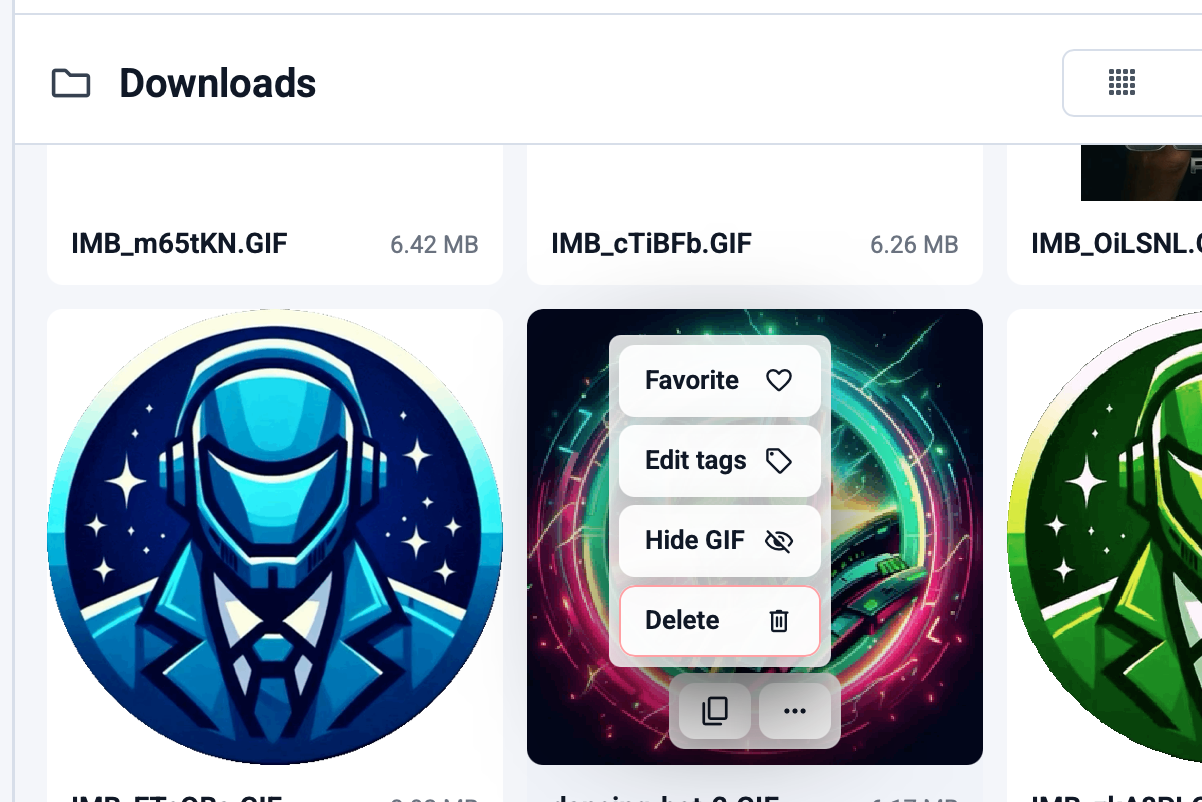
The biggest upgrade in a desktop GIF workflow is not discovery. It is getting from search to paste with less friction.

The best desktop apps stay useful over time. Free updates and multi-language support make GIF Directory easier to keep using on macOS and Windows.
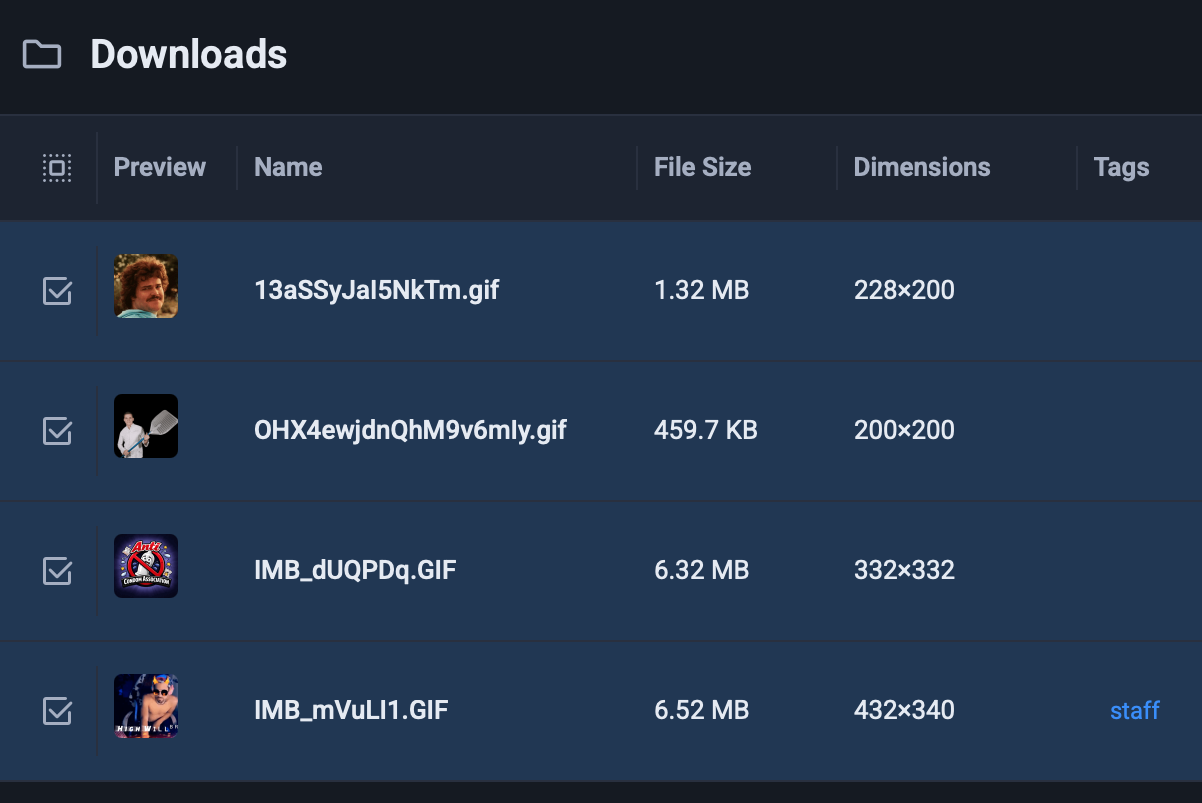
If you move between macOS and Windows, GIF Directory gives you the same core workflow: search fast, stay organized, and paste without the usual friction.
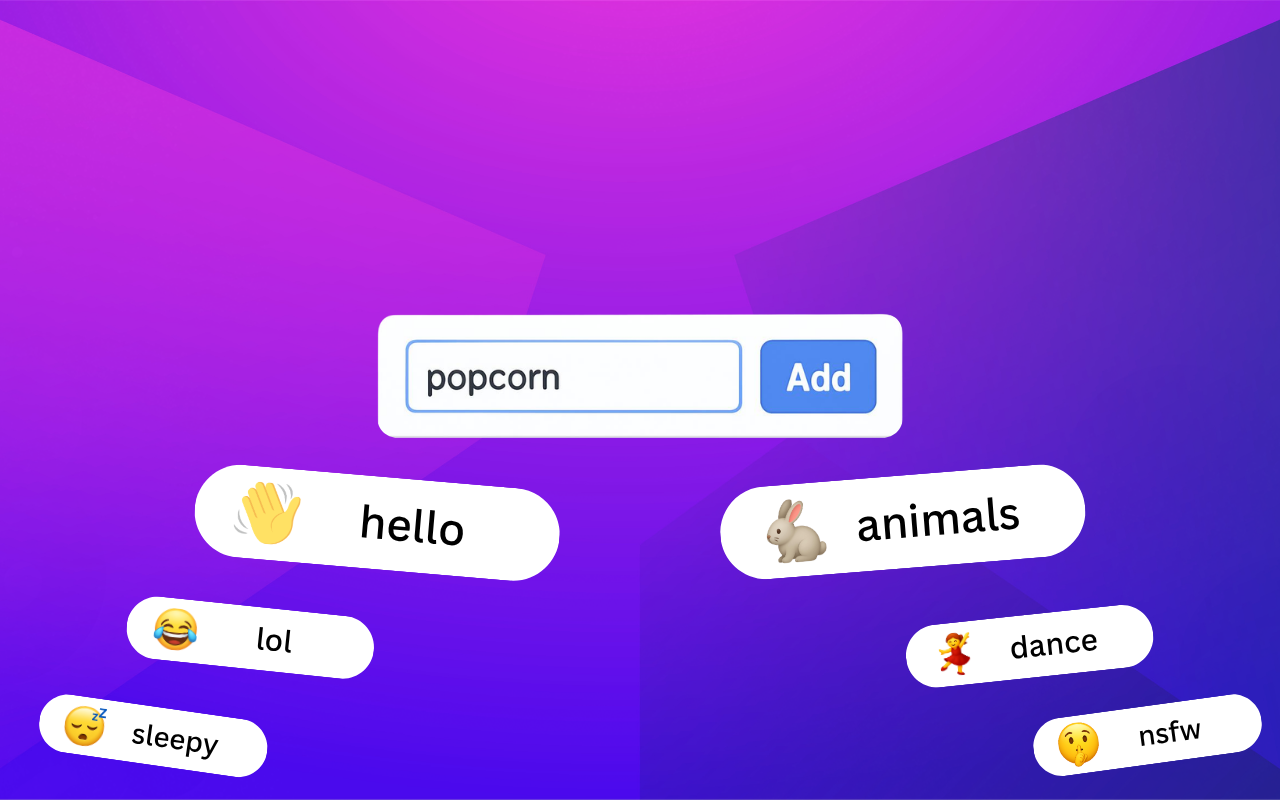
A random folder can store GIFs. A tagged library helps you actually use them. That is the difference GIF Directory makes.
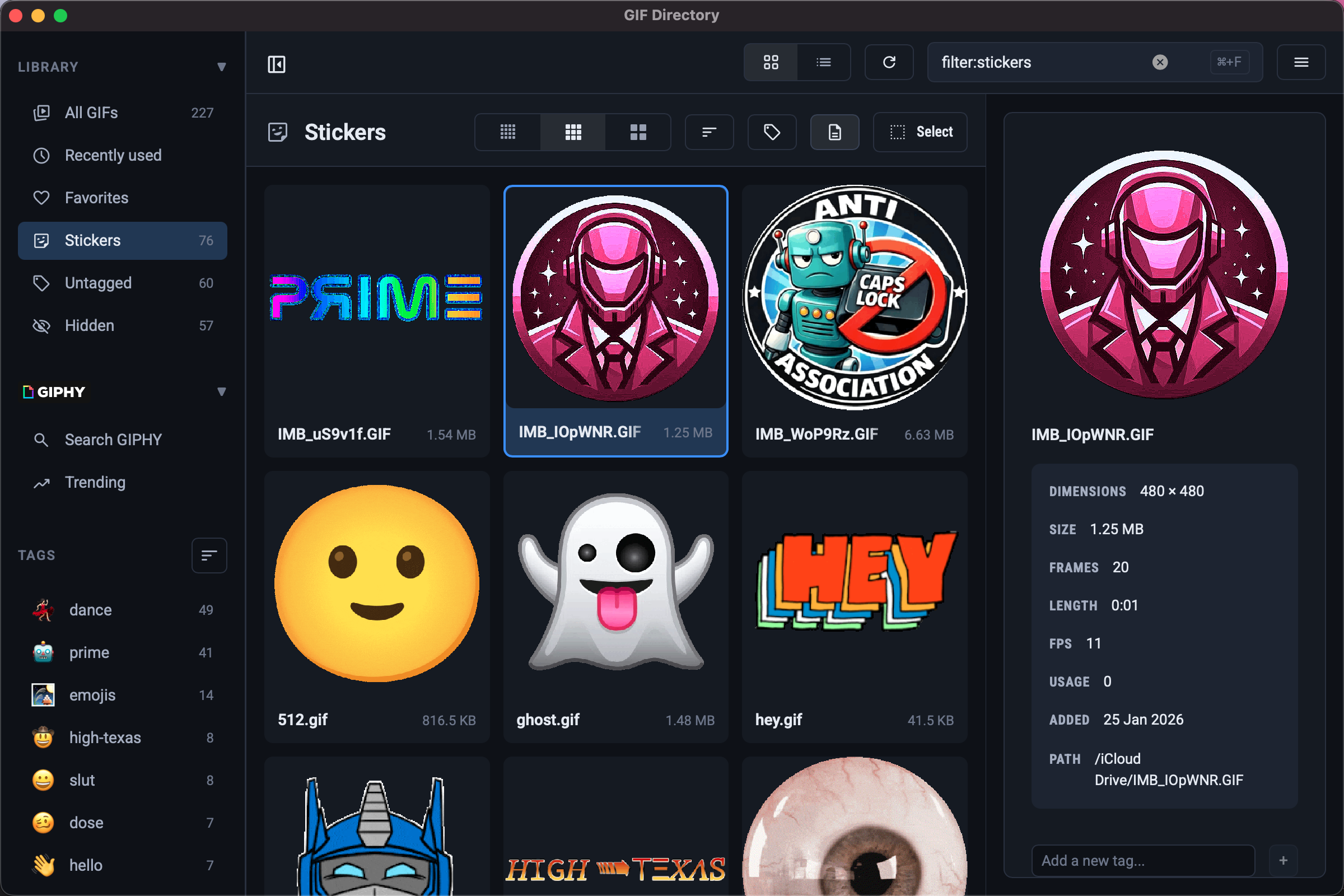
Browser search is fine for occasional GIFs, but a desktop app is faster when you reuse reactions every day on macOS or Windows.
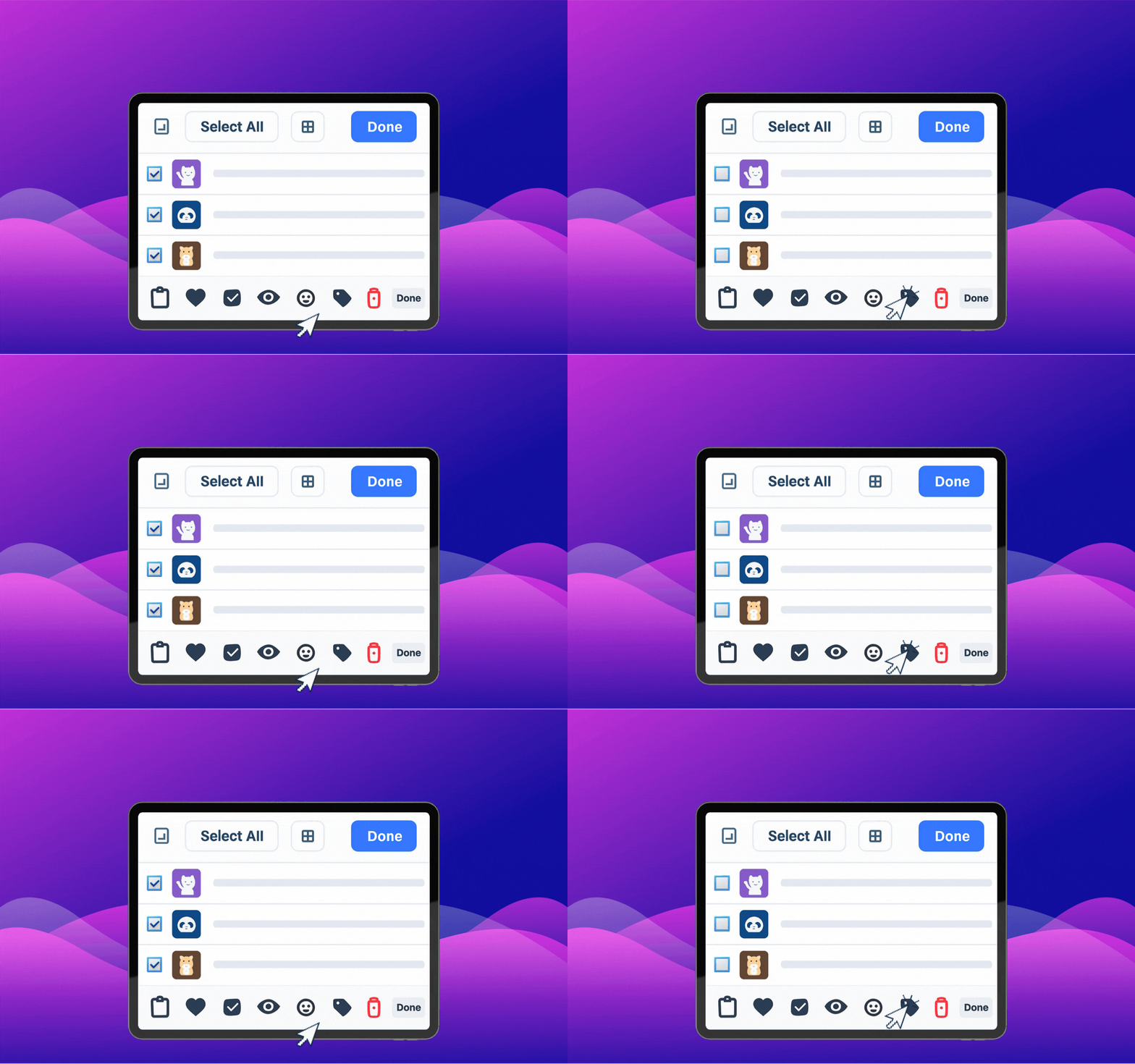
Add, rename, and clean up many GIFs at once without breaking your search system or filling the library with duplicates.
Use lightweight ongoing updates to keep your GIF library relevant without turning maintenance into a big cleanup project.
Make a GIF library easier to use across teams by choosing tags, names, and categories that still work in more than one language.
Use a small tagging system to cut search time, reduce duplicate files, and surface the right GIF faster.

Treat GIPHY as a discovery source while keeping a tighter local GIF library that is faster to search and easier to reuse.
Create a lightweight shared GIF library your team can search quickly without duplicating files or losing quality.
Speed up GIF search with a repeatable process for keywords, shortlists, and visual scanning.
Reduce friction in chat by pairing emoji shortcuts with a compact GIF library for common reactions.
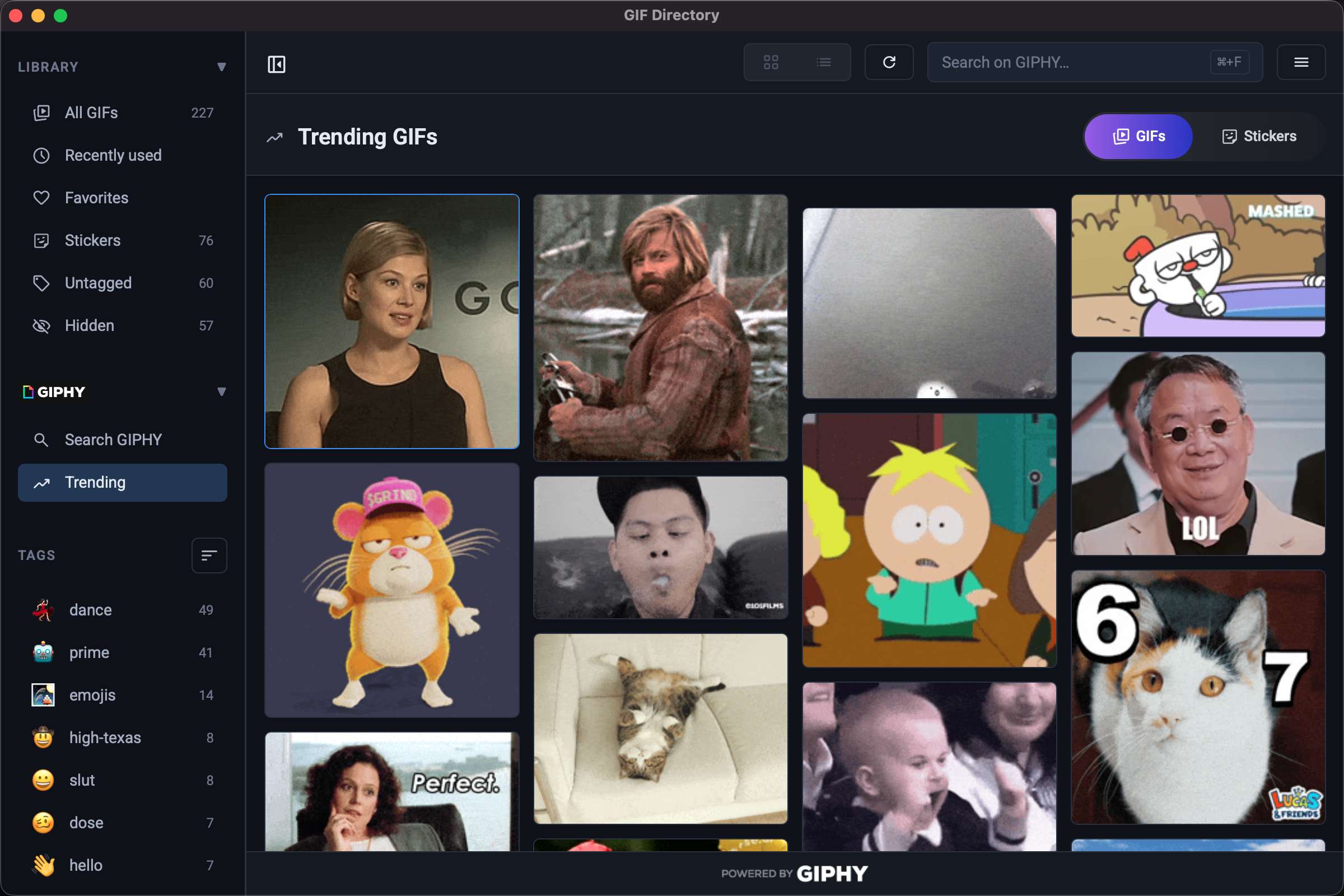
Use GIPHY as a discovery tool while keeping a cleaner, more searchable local GIF collection.
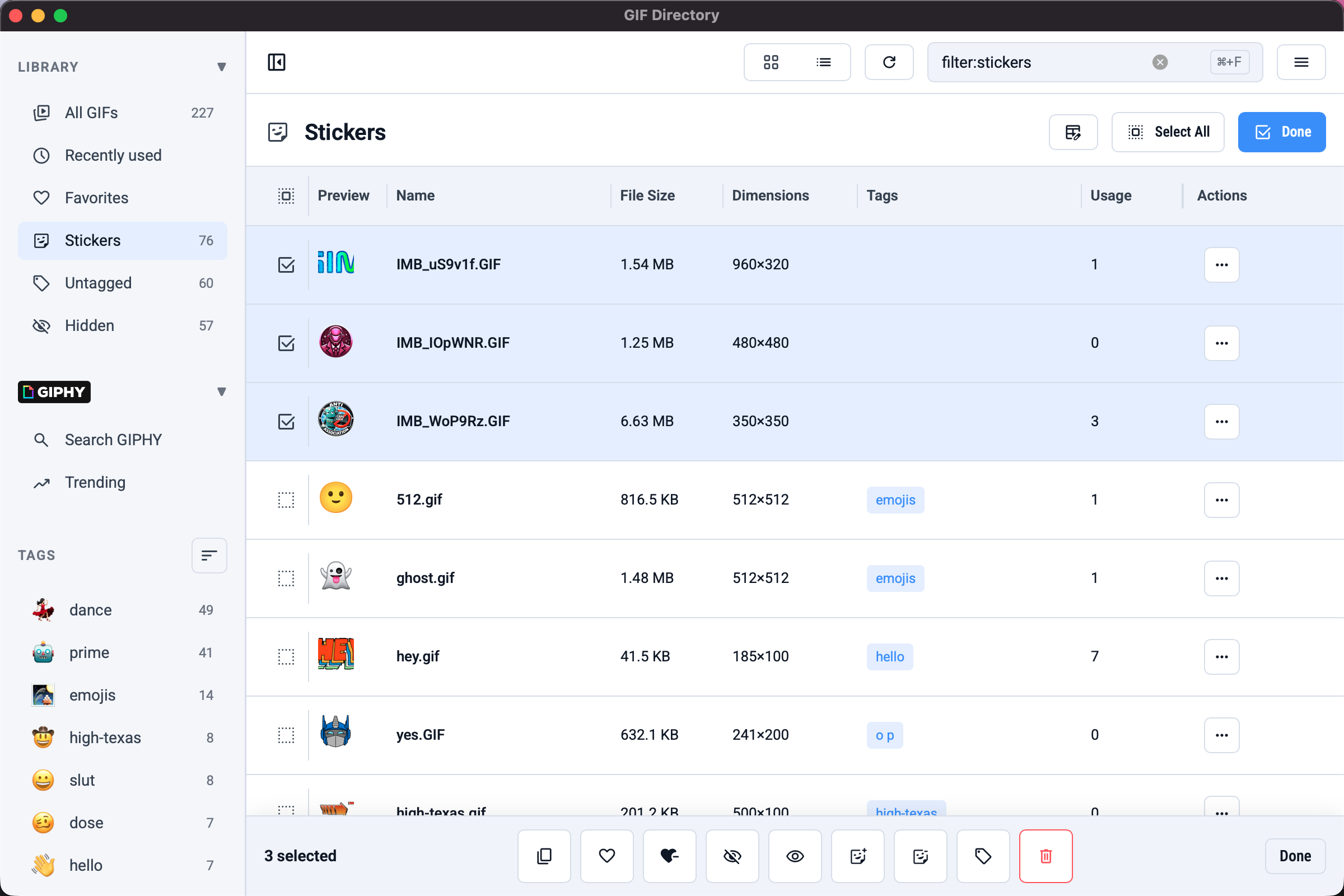
Choose between stickers and GIFs based on speed, tone, and how much meaning the visual needs to carry.
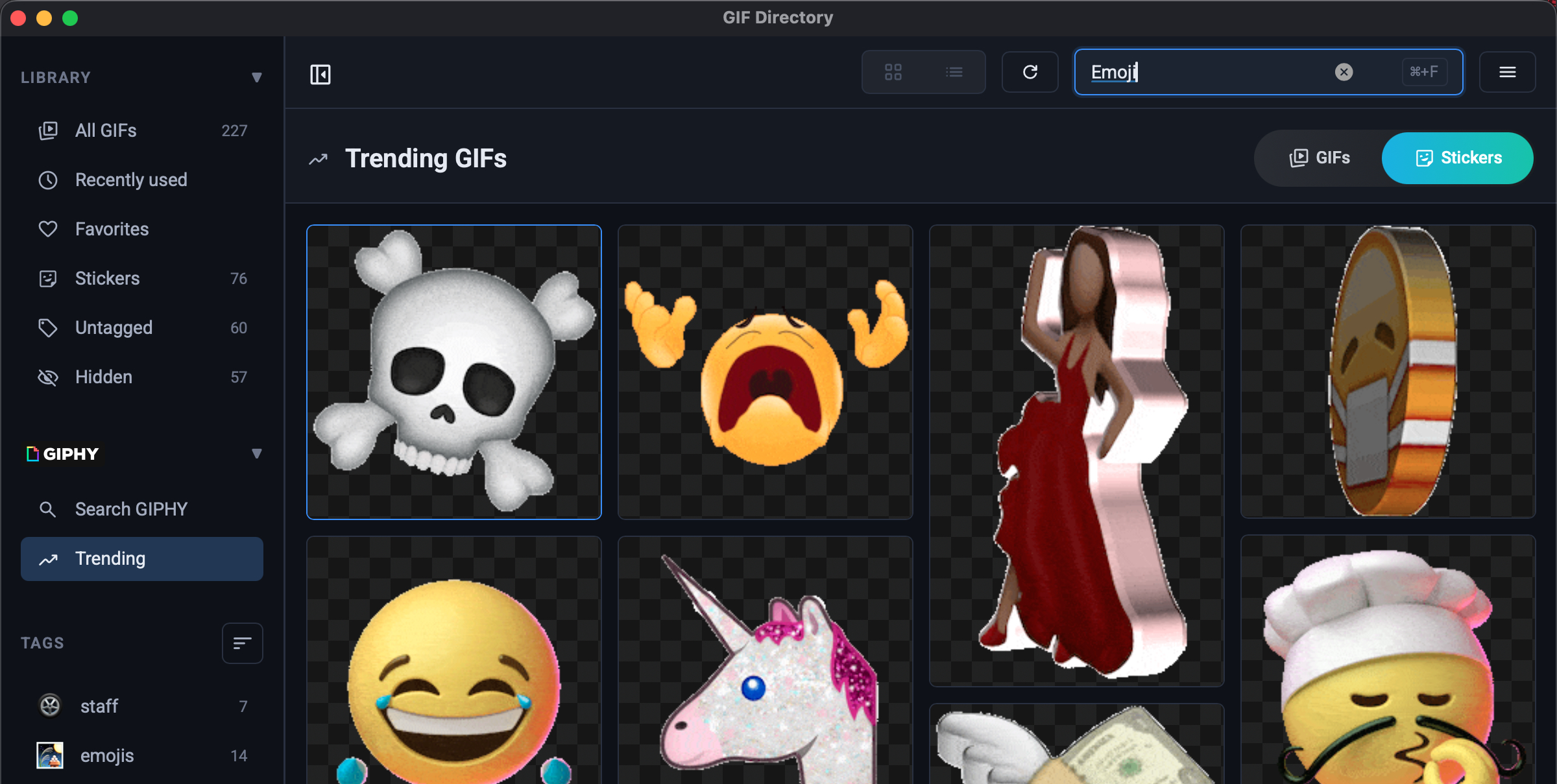
Set up a repeatable system to find and send the right reaction GIF in Slack and Microsoft Teams without breaking your flow.
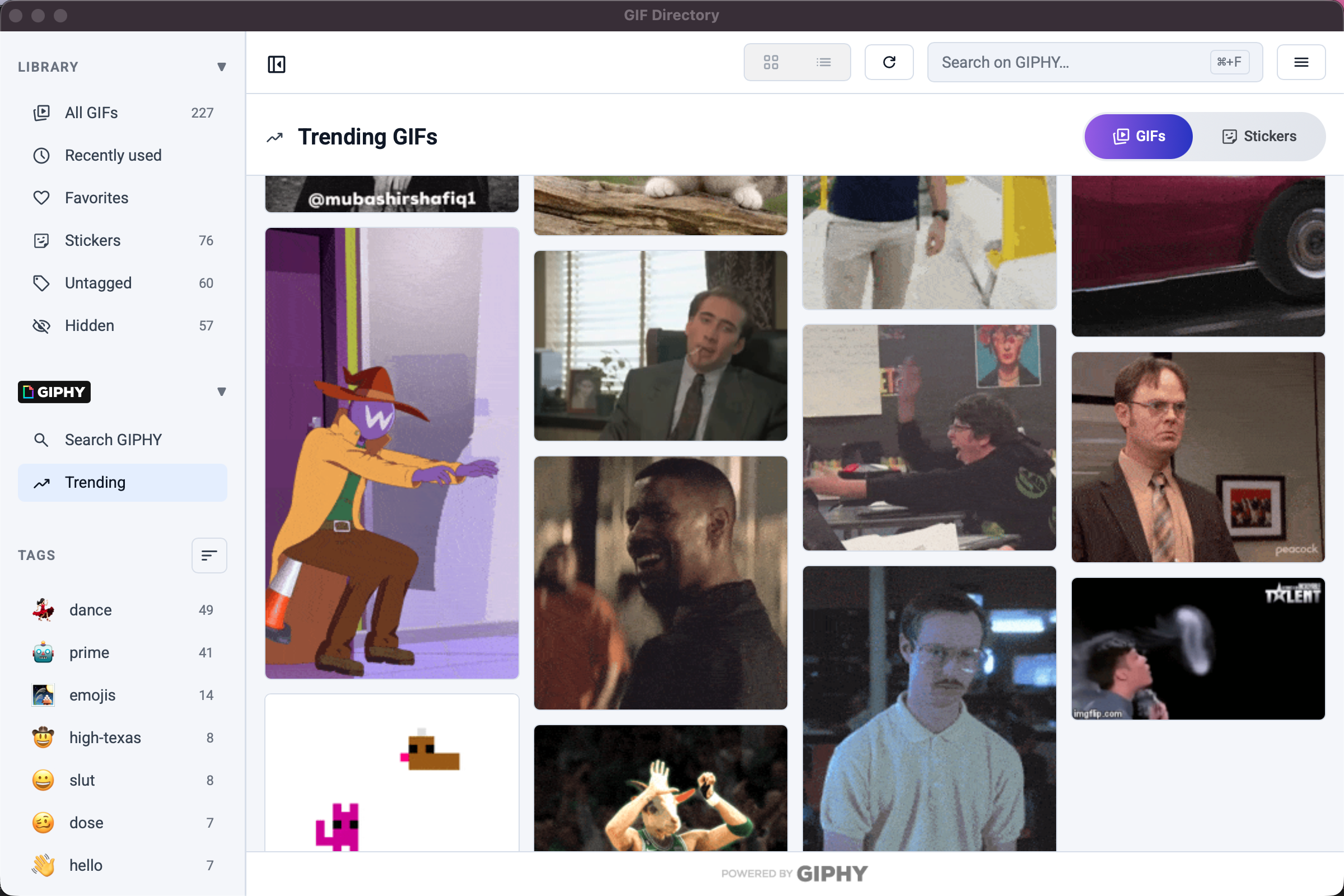
A practical structure for folders, tags, and shortcuts so you can find any GIF on your Mac in seconds.
Use consistent GIF naming conventions to boost search speed, reduce duplicates, and make your library easier to manage.
Improve response quality and speed in Discord with a focused GIF workflow built for moderators and active communities.
A practical etiquette guide for using reaction GIFs professionally in async teams without causing confusion or tone mismatch.

Download GIF Directory
Available as a free download for Mac and Windows