
Using GIPHY Without Losing Control of Your Library
Use GIPHY as a discovery tool while keeping a cleaner, more searchable local GIF collection.
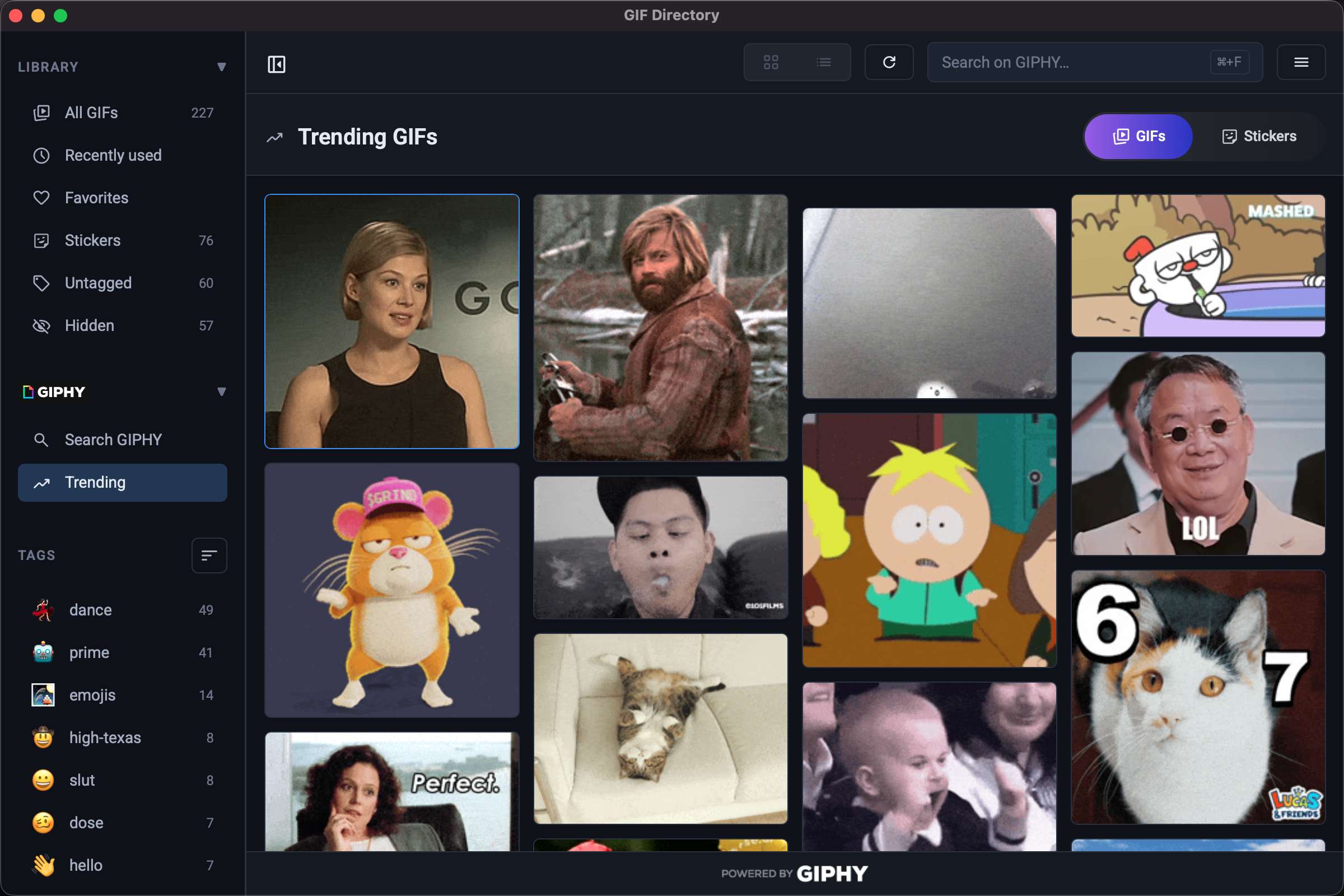
GIPHY is great for discovery, but it can turn your workflow into endless browsing if you rely on it for every reply. Treat it as an input source, not as your entire system.
Save only proven reactions
When you find a GIF you like, ask one question first: will I use this again next week? If the answer is no, do not add it to your local library.
Rename files as soon as you save them
Downloaded GIFs often come with weak filenames. Rename them immediately so they are searchable later.
Use the naming formula from GIF file naming conventions before the files pile up.
Curate for your audience
A GIF that works in a gaming server may not work in a customer channel or internal project update. Build smaller collections for each communication context.
If the audience is work-related, align with reaction GIF etiquette at work.
FAQ
Is it better to search GIPHY every time instead of downloading files?
Not if speed matters. Saving a shortlist of repeat-use GIFs removes extra clicks and browser context switching.
How many GIPHY finds should I keep?
Keep only the ones you have used or expect to use repeatedly. A compact library is easier to trust.