
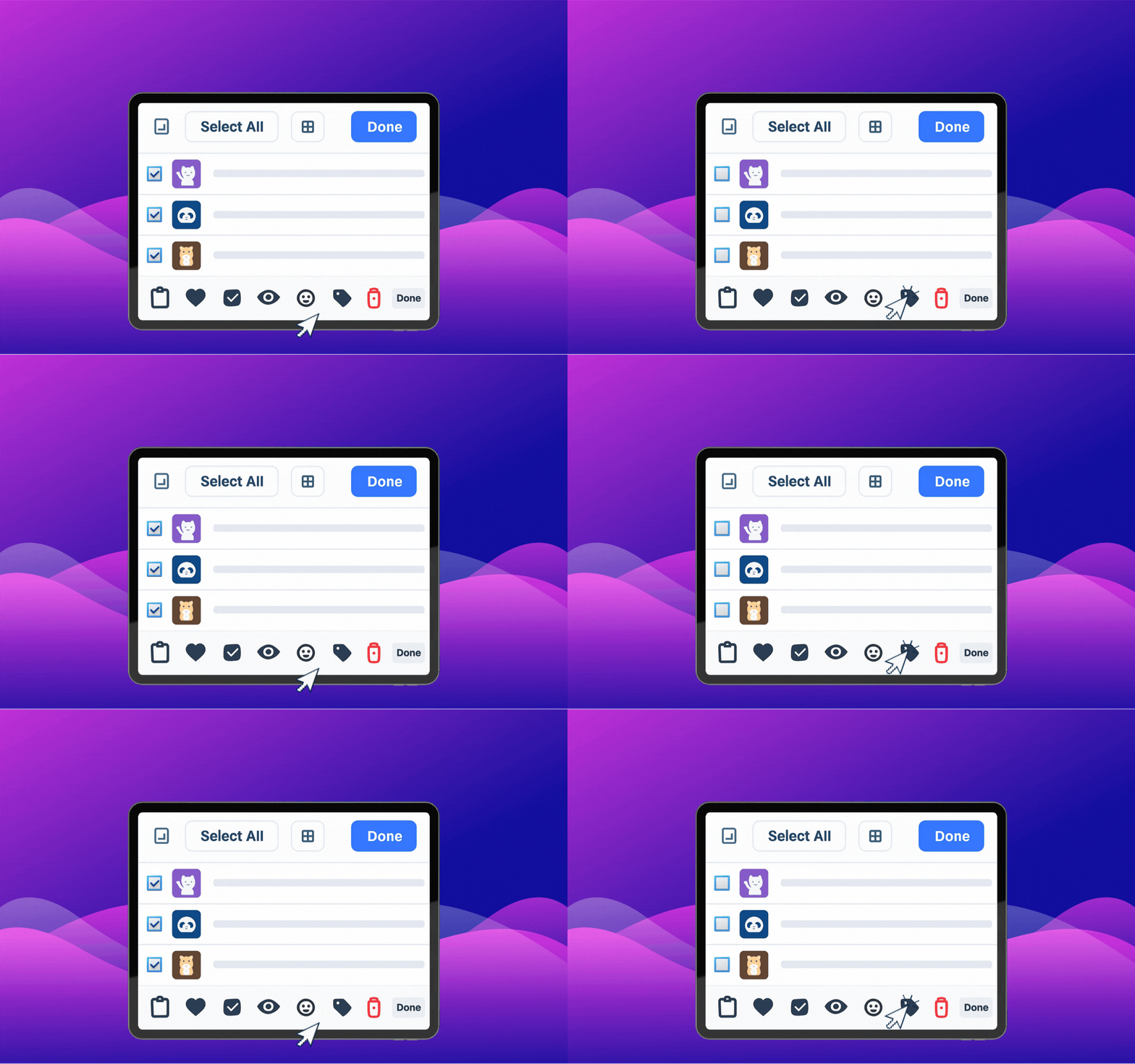
Batch updates save time, but only if you have a rule for what gets added and what gets rejected. Otherwise, you just scale your mess faster.
Make one pass for naming first
Before sorting anything into folders, fix the basics:
- rename weak filenames
- remove obvious duplicates
- flag files with unclear context
This keeps the later cleanup much smaller.
Update in small themed groups
Work in sets like:
- celebration GIFs
- meeting reactions
- support replies
- follow-up reminders
Smaller groups make it easier to spot overlap and keep tone consistent.
If your team shares the same collection, use the rules in how to build a shared team GIF library.
Keep a short review checklist
For each incoming GIF, ask:
- will we use this again next week?
- is the reaction obvious without context?
- does this replace something weaker we already have?
That last question matters most. A clean library grows by replacement, not just by accumulation.
FAQ
How often should I do a batch update?
Once a week or once every two weeks is enough for most personal or team libraries.
Should I keep old versions after renaming?
Usually no. If the content is the same, keep one clean version and remove the rest.

