
How to Set Up Emoji and GIF Shortcuts
Reduce friction in chat by pairing emoji shortcuts with a compact GIF library for common reactions.
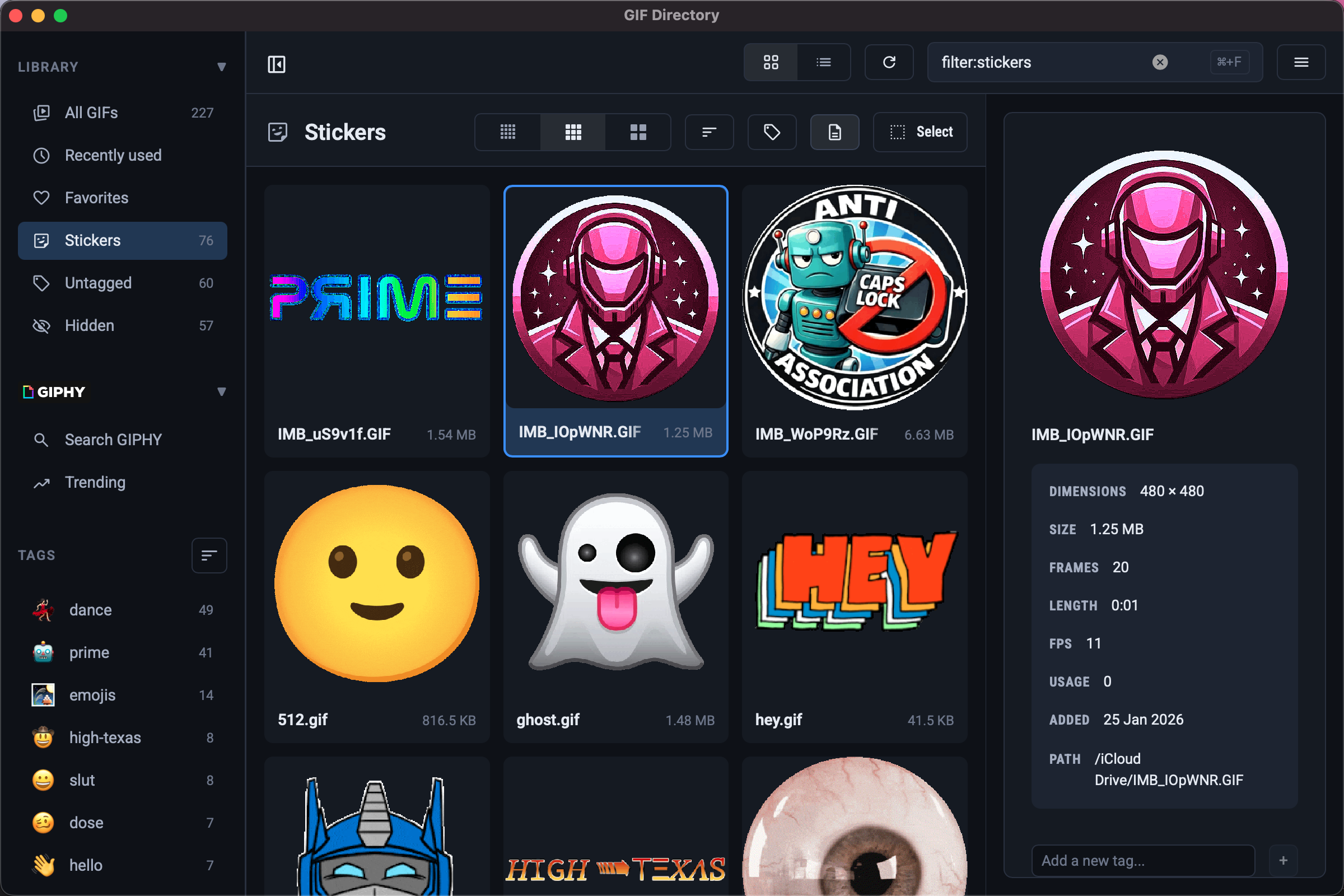
The fastest reaction is not always a GIF. A good communication system combines emoji for low-friction replies and GIFs for moments that need more personality.
Assign simple jobs to emoji
Use emoji for repeat actions like:
- acknowledgment
- approval
- quick status
- lightweight celebration
This keeps routine messages short and lets GIFs stay special.
Reserve GIFs for higher-signal moments
When you want warmth, humor, or a stronger emotional cue, switch to a curated GIF instead of scrolling through emoji menus.
For workplace communication, combine this with the approach in reaction GIFs for Slack and Teams.
Build a tiny default pack
Most people only need 10 to 15 go-to GIFs plus a handful of emoji shortcuts. If your library is larger than that, search quality starts to drop.
To keep those files searchable, follow the system in GIF file naming conventions.
FAQ
When should I use emoji instead of a GIF?
Use emoji when the reaction is simple and the thread is moving quickly. It adds tone without slowing anyone down.
Do shortcuts make GIFs less useful?
No. They make GIFs more intentional by saving them for moments where visual motion adds real value.