
Reaction GIFs for Slack and Teams: A Fast Workflow
Set up a repeatable system to find and send the right reaction GIF in Slack and Microsoft Teams without breaking your flow.
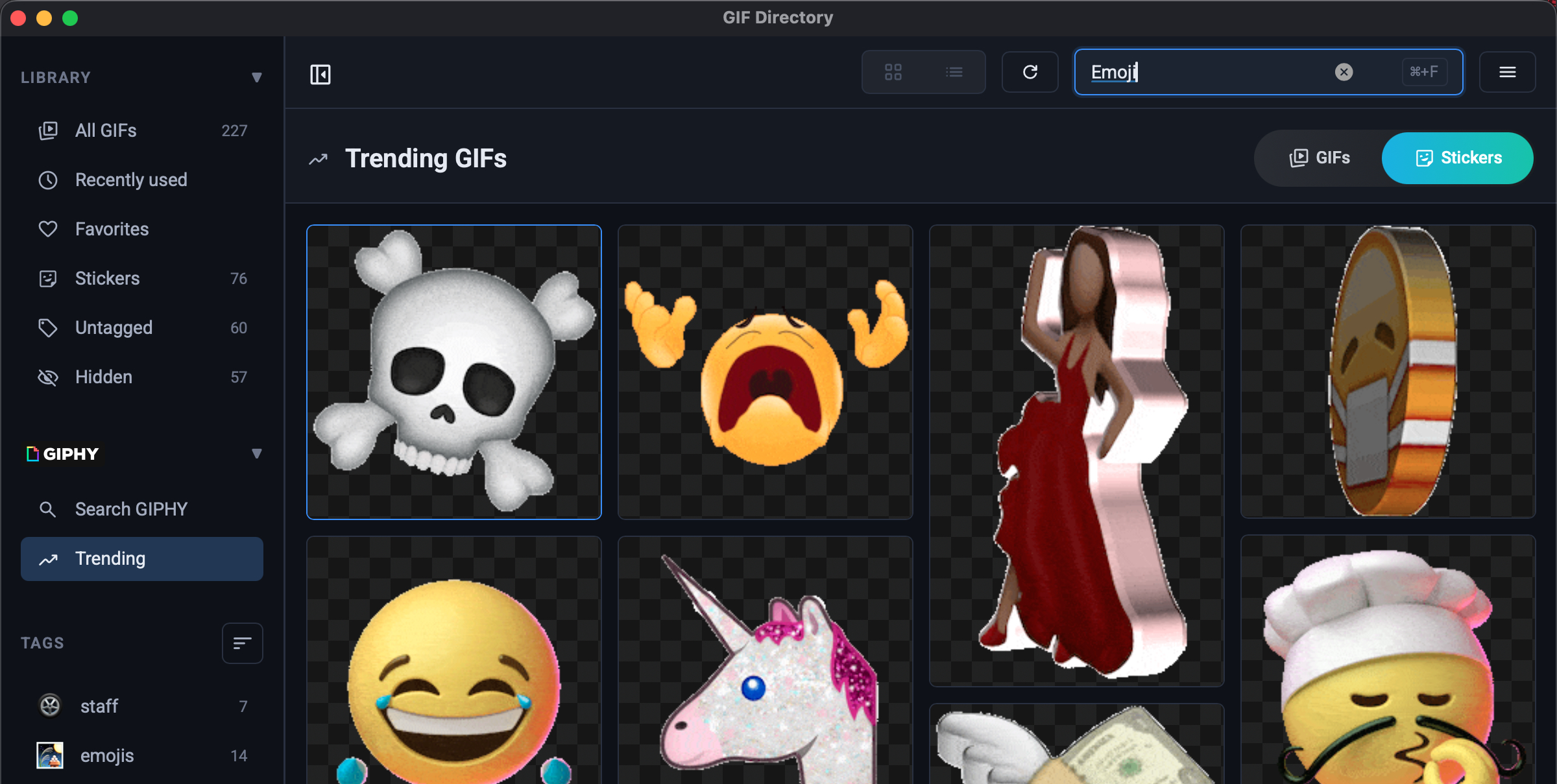
Teams move faster when quick reactions are easy. The problem is context switching: you leave your app, search a browser, and lose momentum.
The 30-second setup
- Build a small set of categories: approval, celebration, confusion, and follow-up.
- Save 10 to 20 high-signal GIFs per category.
- Keep names literal so search is obvious.
If you are just starting your library, read how to organize GIFs on macOS first.
Match tone to channel
- Keep internal standup channels playful.
- Use neutral, brand-safe reactions in customer channels.
- Prefer short-loop GIFs that communicate instantly.
Need ideas for better naming patterns? See GIF naming conventions.
Keep responses fast
A good workflow removes decision fatigue. If each reaction takes more than five seconds, prune your library and simplify tags.
FAQ
What is the best GIF size for Slack or Teams?
Use optimized GIFs under a few MB when possible. Faster load time usually beats ultra-high resolution.
Should teams standardize reaction GIFs?
Yes for external communication. A small shared library improves consistency.