How to Support Multiple Languages in a GIF Library
Make a GIF library easier to use across teams by choosing tags, names, and categories that still work in more than one language.
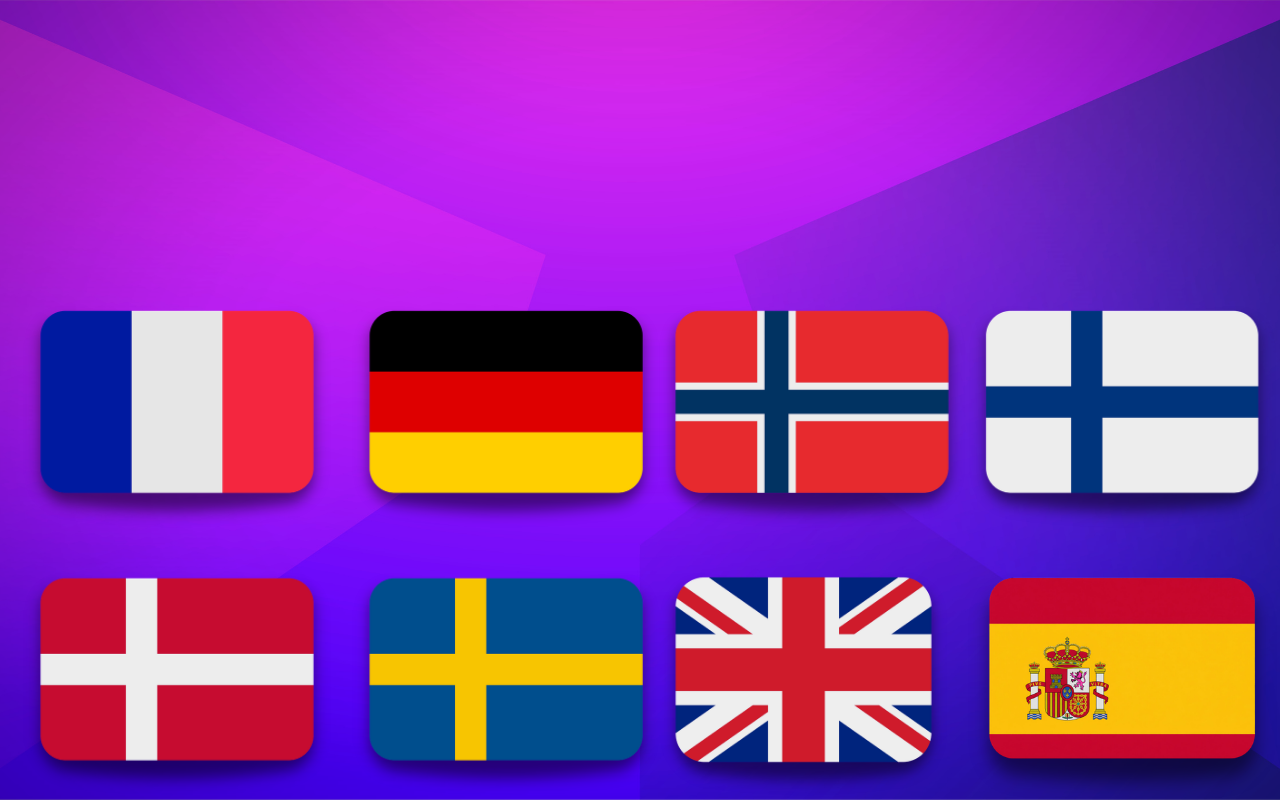
Multilingual teams often share the same reactions but search for them with different words. A good system bridges that gap without forcing everyone into one rigid naming style.
Keep filenames stable and tags flexible
One practical approach is:
- use one consistent filename format
- add tags in the languages your team actually uses
- keep categories broad and easy to translate
This gives you structure without making the library feel exclusive.
Avoid culture-specific labels when speed matters
Inside jokes and niche references can be fun, but they slow down search across teams. For shared libraries, prioritize clear emotion and action words first.
That same clarity also helps with reaction GIF etiquette at work.
Review search terms with real users
Ask a simple question: what words would people actually type to find this reaction?
You will usually learn that direct words like thanks, waiting, or great news beat clever labels.
For broader team setup, use how to build a shared team GIF library as the base workflow.
FAQ
Do I need separate folders for each language?
Usually no. Shared folders with multilingual tags are easier to maintain.
Should every tag be translated?
Only the tags people are likely to search. Translate for usefulness, not completeness.