
How to Use GIF Tags for Faster Reactions
Use a small tagging system to cut search time, reduce duplicate files, and surface the right GIF faster.
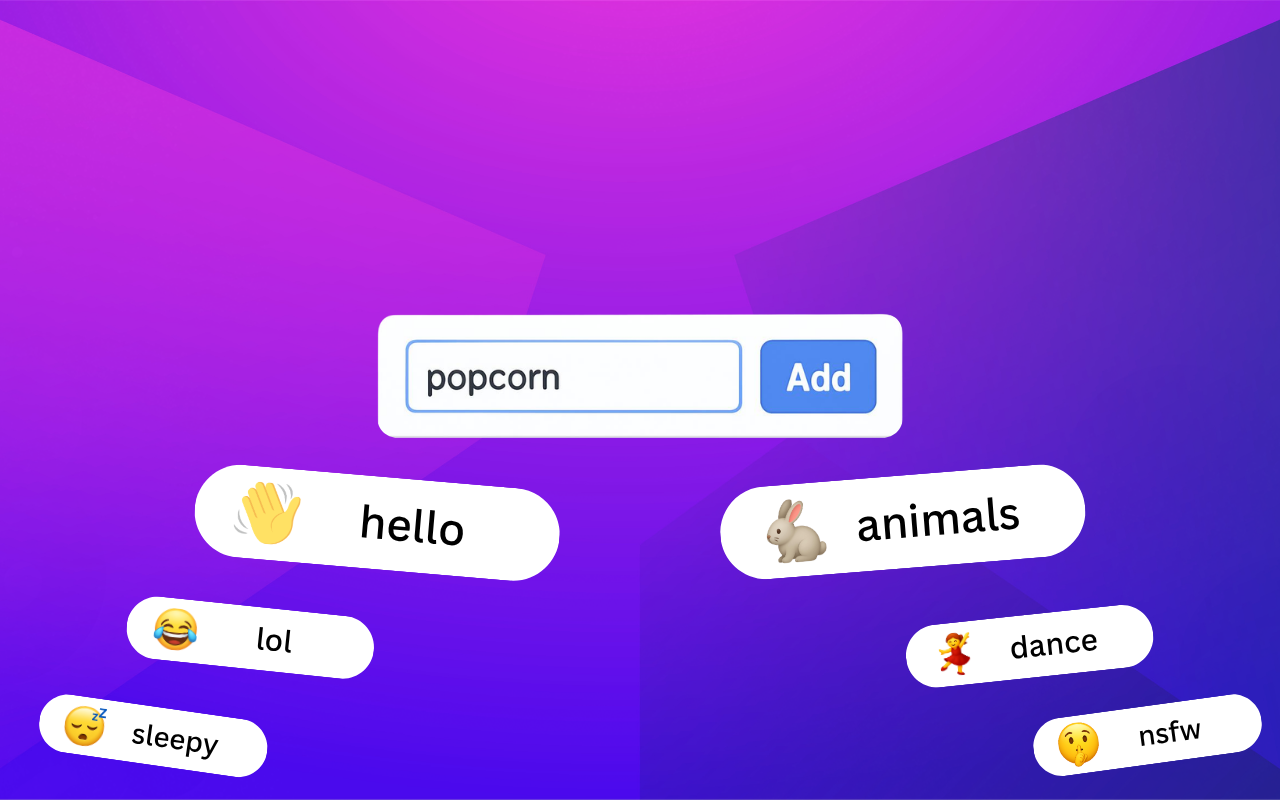
Tags make a GIF library feel smaller in the best way. Instead of browsing folders one by one, you can jump straight to the intent behind the reaction.
Start with three tag types
Keep your first system simple:
- emotion tags like
excited,waiting, orconfused - context tags like
meeting,launch, orsupport - intensity tags like
calm,big-reaction, orsubtle
This is usually enough to make search feel much faster without turning tagging into a maintenance job.
Prefer reusable tags over clever labels
A tag only helps if you will remember to use it again. Choose words your team would naturally search for, not inside jokes or one-off references.
If your filenames are still inconsistent, pair tags with these GIF naming conventions.
Review tags once a month
The fastest way to keep the system clean is a short monthly pass:
- merge duplicate tags
- remove tags nobody uses
- rename vague labels into clear ones
Teams that share files across roles should also read how to build a shared team GIF library.
FAQ
How many tags should a single GIF have?
Three to five is usually enough. More than that often adds noise instead of clarity.
Are folders still useful if I use tags?
Yes. Folders help with broad structure, while tags help with fast retrieval inside that structure.