
How to Find the Right GIF Faster
Speed up GIF search with a repeatable process for keywords, shortlists, and visual scanning.
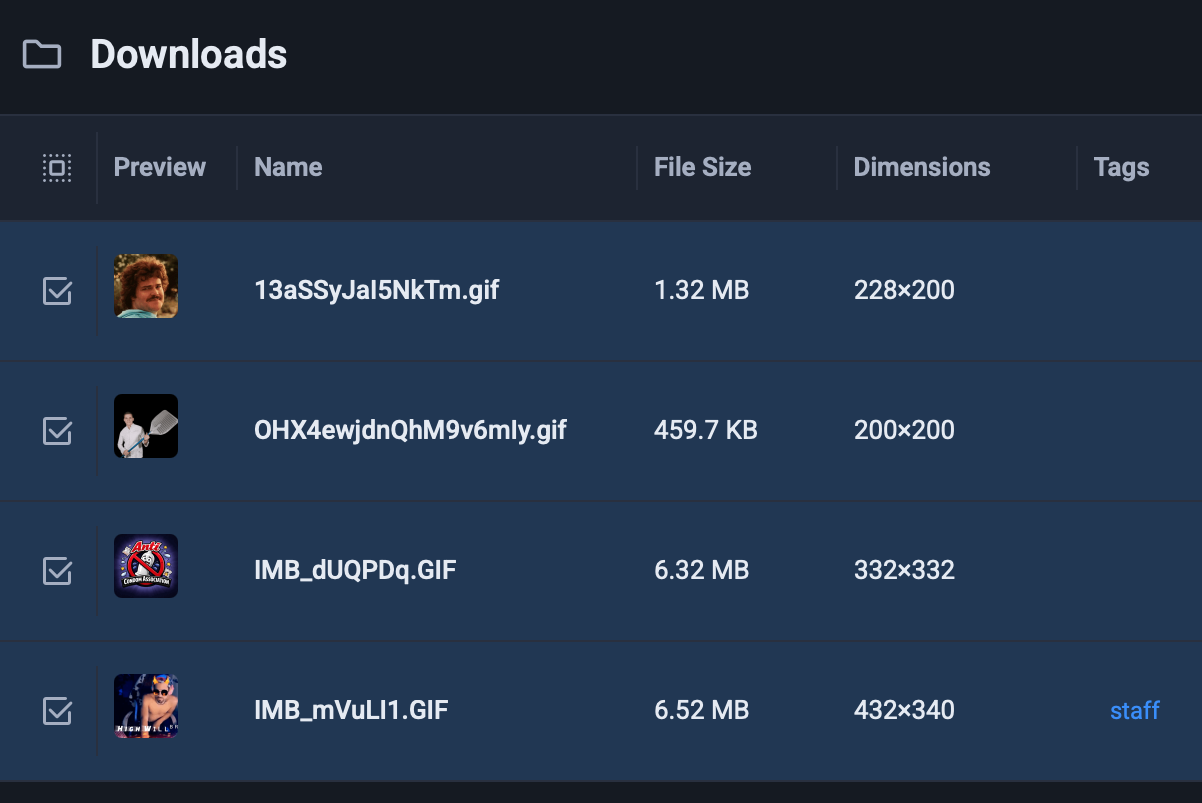
Most GIF delays come from vague search terms, not from a lack of files. Fast retrieval starts with a tighter search habit.
Search with intent words first
Start with the outcome you want to communicate:
- agree
- thanks
- not sure
- please wait
- great news
Then add a context word only if needed, like launch, support, or meeting.
Keep a weekly shortlist
Your top 20 GIFs should handle most real conversations. Keep those easy to scan in one place and move the rest into the archive.
If your Mac library feels messy, use this guide on how to organize GIFs on macOS.
Favor clarity over novelty
The fastest GIF is usually the one with obvious body language and a short loop. Funny but ambiguous clips slow people down because you have to decode the joke first.
This matters even more in chat apps. For team messaging, pair speed with the workflow in reaction GIFs for Slack and Teams.
FAQ
What is the best number of search keywords?
Two or three strong tokens are usually enough. Longer searches often add noise instead of precision.
Should I search by show or character name?
Only when that reference is common in your team. Emotion and action terms are more reliable for everyday use.