
Why a Tagged GIF Library Beats a Random Downloads Folder
A random folder can store GIFs. A tagged library helps you actually use them. That is the difference GIF Directory makes.
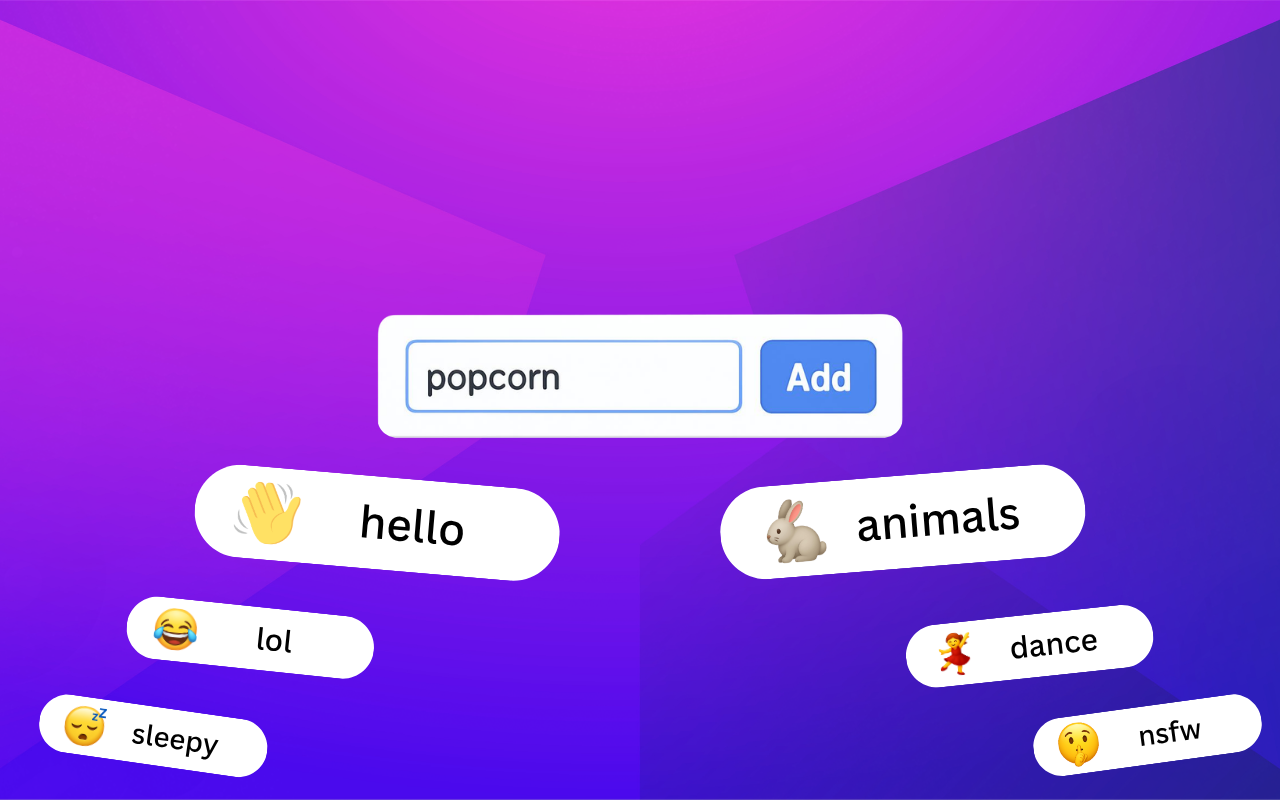
The average GIF collection does not fail because it is too small. It fails because it becomes unreadable.
A folder full of unnamed downloads looks like a library, but behaves like clutter. You know something useful is in there. You just cannot retrieve it fast enough.
GIF Directory helps because it turns storage into access.
Tags make reuse possible
If you only rely on memory, your best GIFs disappear inside the pile.
Tags solve that by giving you more than one path back to the same file. A reaction can belong to "approval," "work-safe," and "small-win" at the same time. That is much more practical than forcing one rigid folder path to do all the work.
This is where GIF Directory gets better over time. Every useful tag sharpens future search.
If you want the full workflow, see how to use GIF tags for faster reactions.
Folder structure still matters
Tags do not replace basic organization. They make it more flexible.
The best setup usually combines:
- a few stable folders
- clear filenames
- lightweight tags
That keeps the system understandable without making it heavy to maintain.
For the foundation, use how to organize GIFs on macOS.
The benefit is speed, not neatness
People sometimes frame organization as a cleanup project. That misses the point.
The real benefit is speed:
- fewer duplicate saves
- fewer failed searches
- less second-guessing
- faster replies
A tagged library is easier to work from, especially when you send the same kinds of reactions repeatedly.
Good names make tags even stronger
Tags are powerful, but vague filenames still create friction. If a file is named well, you can often find it before you even think about the tag system.
That is why the best libraries use both:
- tags for flexible retrieval
- filenames for direct search
Read GIF file naming conventions if your current files still look like random export names.
This matters more on desktop
Desktop users often have larger, older, messier collections than phone-first users. That is why a desktop app with search and organization features can make such a noticeable difference.
On macOS and Windows, GIF Directory gives those collections a cleaner operating layer without forcing you to throw everything away and start over.
FAQ
Are tags better than folders?
They do different jobs. Folders give broad structure. Tags make retrieval more flexible.
Do I need a complex tagging system?
No. A few practical tags are usually enough if they reflect how you actually search.