
Why GIF Directory Works Better Than Browser Search
Browser search is fine for occasional GIFs, but a desktop app is faster when you reuse reactions every day on macOS or Windows.
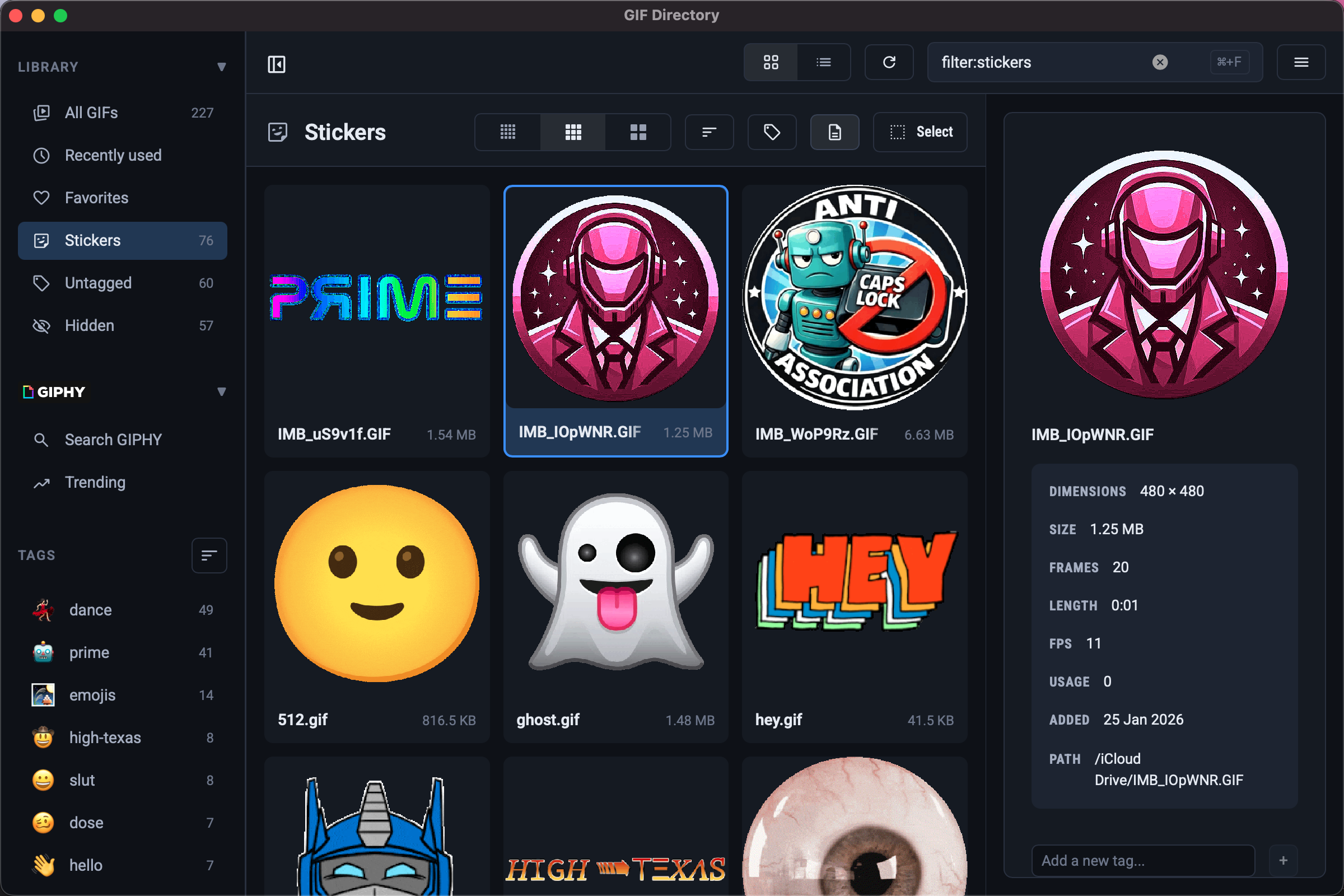
Browser search works until the same tiny task starts stealing your attention ten times a day. Open a tab. Search again. Re-find the same reaction. Download it or copy a link. Repeat.
GIF Directory solves that problem at the desktop level. On macOS and Windows, it gives you one place to search, preview, and copy GIFs you already know you like.
The main benefit is less context switching
The problem with browser-first GIF use is not that search is impossible. It is that the search session becomes its own side quest.
With GIF Directory, the loop is shorter:
- Search by filename, tag, or folder.
- Preview the result.
- Copy it and paste it where you need it.
That matters because reaction GIFs are usually part of a larger task. You are replying in Slack. Posting in Discord. Sending an update. You want the reaction, not a new browsing session.
If your current setup is still chaotic, start with how to find the right GIF faster.
Your best GIFs stop disappearing
Browser search is great for discovery. It is weak for repeat use.
The same five or ten reactions usually do most of the work:
- quick approval
- polite celebration
- waiting
- confused but friendly follow-up
When those live in a searchable local library, they become dependable. That is a better system than hoping an external search result appears in the same order every time.
For a cleaner setup, pair this with how to use GIPHY with a better local workflow.
It works better when your files come from different folders
Most people do not keep GIFs in one perfectly managed folder. They collect them from downloads, shared folders, old project directories, and random saves from chat tools.
GIF Directory is useful because it can index multiple folders and bring those files into one searchable view. That means you do not need to rebuild your library from scratch before it becomes useful.
This is especially helpful if you already have years of saved GIFs spread across your machine.
Search gets faster when the names are under control
A desktop GIF app works best when your files are named clearly. That does not mean you need a complicated taxonomy. It just means your filenames should describe the reaction instead of preserving whatever random source title came with the download.
Examples:
approval-nod-team.gifcelebration-small-win.gifwaiting-refresh-loop.gif
If you want a naming model that stays simple, use GIF file naming conventions.
The app fits daily communication better
The best part of GIF Directory is not that it is clever. It is that it turns a messy habit into a repeatable one.
You get:
- one place to search
- a faster copy-and-paste path
- less duplicate saving
- better reuse across macOS and Windows
That is the real win. Fewer tiny interruptions. Better timing. Better reactions.
FAQ
Is browser search still useful?
Yes. It is still great for discovery. GIF Directory is better for the reactions you use repeatedly.
Who benefits most from GIF Directory?
People who send GIFs often enough that search friction is noticeable. That includes frequent Slack, Discord, and chat-heavy desktop users.