
Copy and Paste Is the Real GIF Productivity Feature
The biggest upgrade in a desktop GIF workflow is not discovery. It is getting from search to paste with less friction.
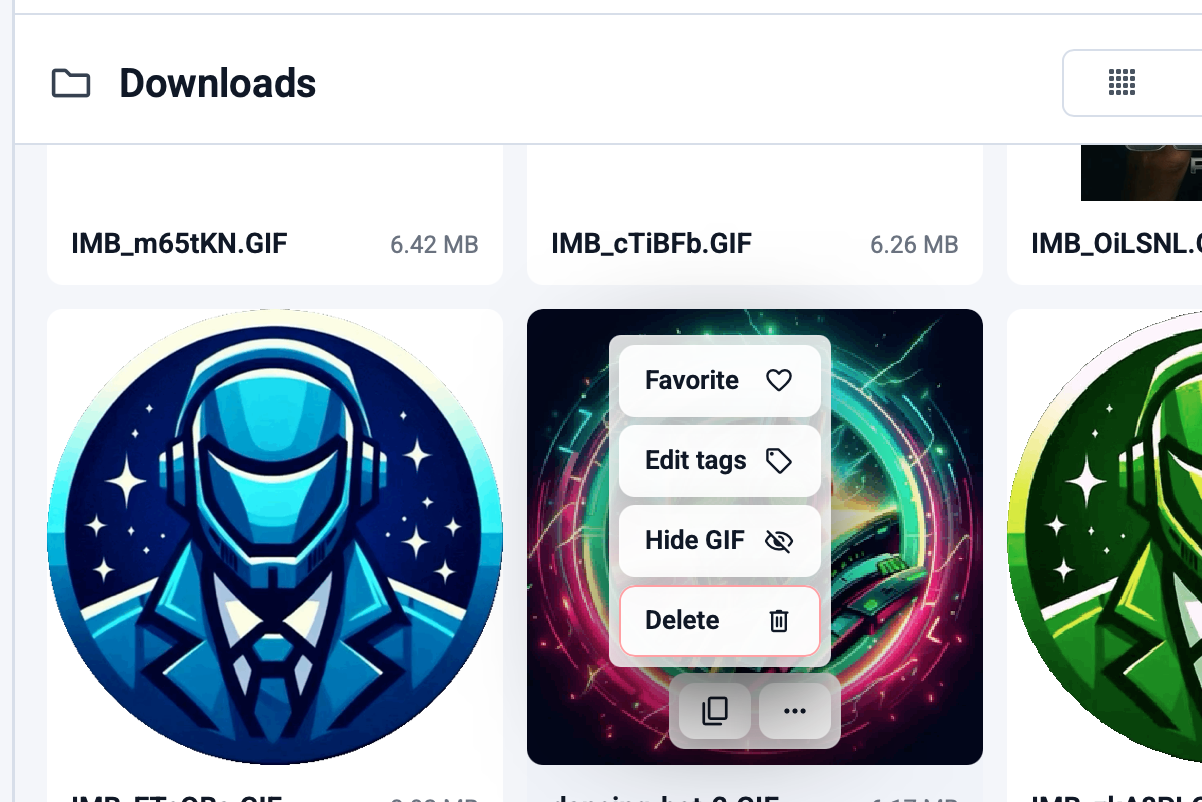
Most GIF workflows fail at the last step.
You find the file. You know it is the right one. Then the copy step is awkward, inconsistent, or slow enough to break the moment.
That is why copy-and-paste matters more than people expect. A good GIF tool is not just a search tool. It is a fast handoff tool.
Search alone is not the payoff
People often focus on discovery because it is the flashy part. But search only gets you halfway there.
The real question is: how quickly can you move from "I know the reaction I want" to "it is now inside the app where I need it"?
GIF Directory is useful because it keeps those steps close together:
- Search the library.
- Preview the result.
- Copy once.
- Paste anywhere you need it.
That feels small until you compare it with browser tabs, downloads, and manual file hunting.
The timing of a reaction matters
Reaction GIFs work best when they arrive at the right moment. A delayed response often feels less funny and less useful.
Fast copy-and-paste improves:
- chat rhythm
- moderation speed
- team banter
- quick replies in active threads
That is one reason desktop users benefit from a local app. The reaction is already close at hand instead of buried behind extra steps.
For platform-specific examples, read reaction GIFs for Slack and Teams or the best GIF workflow for Discord.
A smaller library often performs better
Copy-and-paste speed is not only about the app. It is also about your collection quality.
If your library contains too many weak duplicates, the search results slow you down. The best collections are selective and easy to scan.
A good rule:
- keep what you reuse
- remove what you skip
- rename what is hard to find
That turns the app into a tool instead of a storage bin.
Tags and filenames reduce hesitation
The fastest reaction is the one you do not have to think about much.
Good tags and filenames make that possible because search becomes predictable. You stop trying four different words to find the same loop.
If you want to improve that part next, use how to batch update your GIF library and GIF file naming conventions.
The feature sounds basic because it is basic
That is exactly why it matters.
A lot of software talks up advanced features. But in a daily GIF workflow, the biggest gains usually come from simple things working properly:
- clear search
- clean organization
- reliable copy
- fast paste
That is the practical value of GIF Directory on macOS and Windows.
FAQ
Why is copy-and-paste such a big deal for GIFs?
Because the goal is not just finding a file. The goal is sending the right response quickly enough that it still lands well.
Does a local GIF app really save that much time?
For occasional users, not much. For frequent chat users, the saved seconds add up fast because the task repeats constantly.