
How GIF Directory Helps on macOS and Windows
If you move between macOS and Windows, GIF Directory gives you the same core workflow: search fast, stay organized, and paste without the usual friction.
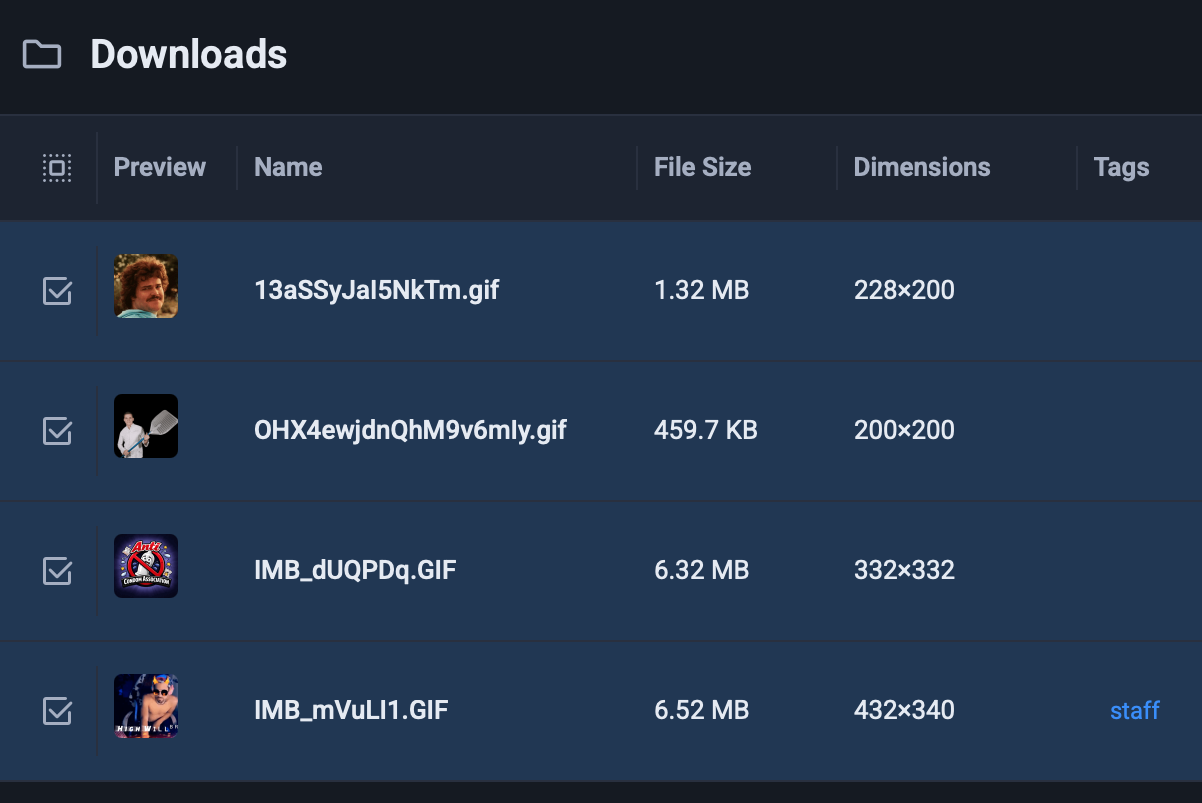
The problem is familiar: your GIF habits are the same, but your desktop workflow changes depending on the machine in front of you.
That is why a cross-platform GIF app matters. GIF Directory is available on macOS and Windows, so the core routine stays consistent even if your work setup does not.
One workflow is easier to maintain
The best productivity improvement is often boring: you stop relearning the same task in two slightly different ways.
With GIF Directory, the useful habits stay the same:
- search by tag, folder, or filename
- keep favorites in known locations
- copy and paste into the app you are already using
That consistency matters more than people think. Small repeat tasks feel expensive when the muscle memory changes between devices.
The benefit is strongest for mixed-device users
Some people use one OS at work and another at home. Others use both because of client constraints, testing needs, or personal preference.
In those setups, GIF Directory helps by keeping the behavior familiar. You are not switching from a polished local workflow on one machine to a messy folder hunt on the other.
If your desktop library is still scattered, the first cleanup step is how to organize GIFs on macOS. The same organizational logic still applies even if your main machine is Windows.
Multiple folders are normal, not a failure
A lot of desktop media tools quietly assume you start from zero and import everything into one pristine location. Real collections do not look like that.
GIF Directory is more practical because it can watch multiple folders. That helps when your files are spread across:
- a downloads folder
- an old meme archive
- a shared team directory
- a personal reaction folder
You do not need a perfect reset before the app becomes useful.
Search quality improves with a little structure
Cross-platform convenience only pays off if search is reliable. The easiest improvement is better naming and tagging.
If your filenames are vague, the app still has less to work with. If the files are named clearly and grouped well, the app becomes much more valuable.
Use how to use GIF tags for faster reactions if you want a lightweight system that scales without becoming annoying.
It is a better fit for real communication tools
The point of a desktop GIF app is not to admire the library. It is to reduce the time between thought and response.
That is why GIF Directory works well for:
- chat replies
- community moderation
- internal team updates
- quick visual reactions in day-to-day communication
On both macOS and Windows, that translates into the same benefit: less hunting and faster follow-through.
FAQ
Do I need to rebuild my whole library to use GIF Directory?
No. The app is most useful when it can work with the folders you already have.
Is GIF Directory only for one platform?
No. It is built for both macOS and Windows, which is part of the value if you move between the two.